Summary
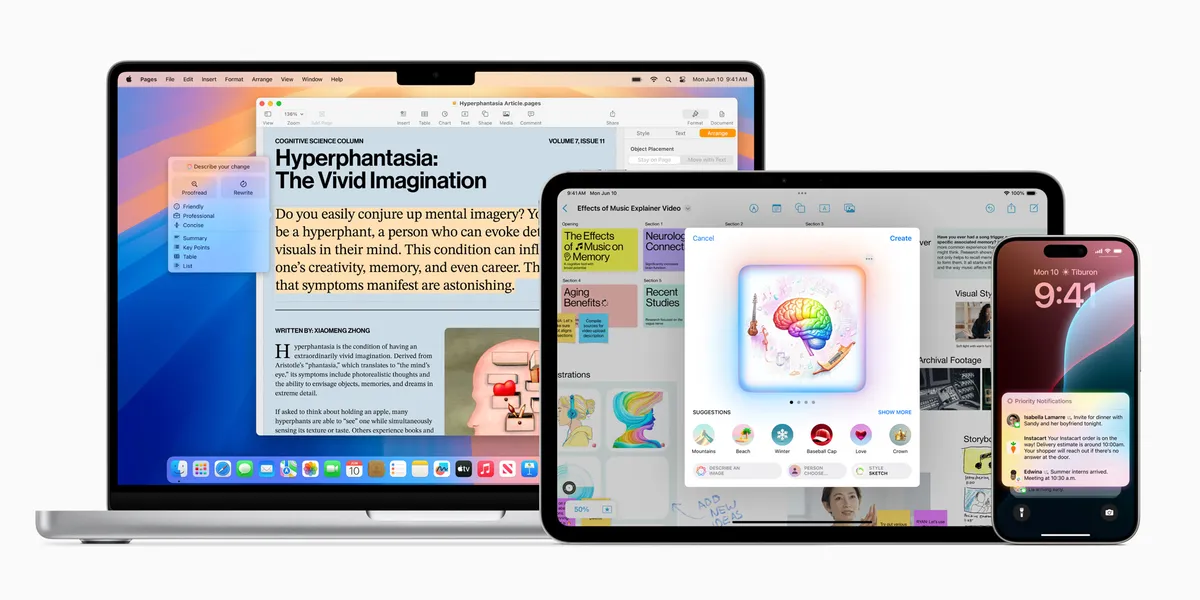
Each Apple device has its own operating system. iOS runs on iPhone, and iPadOS runs on iPad. macOS runs on Mac, visionOS runs on Vision Pro, and watchOS runs on Apple Watch. This guide covers updates for business users, including Live Voicemail and StandBy. It also explains widgets, small on-screen boxes that show information from an app. Your device, app, and region determine which features you can use.
Introduction
The first sections cover Apple’s September 2023 software releases. The visionOS section reflects the later Apple Vision Pro launch in February 2024.
iOS 17 and iPadOS 17 for business
Apple released iOS 17 for iPhone and iPadOS 17 for iPad on September 18, 2023. Live Voicemail shows text as someone leaves a message. StandBy shows widgets when you charge your iPhone on its side. iPadOS 17 also added the Health app. For more, see our guides to iOS 17 features for entrepreneurs and iPadOS 17 for businesses. See Apple’s release notes.
Steps to try
- Live Voicemail: Review the transcript and return calls that need action.
- StandBy Mode: Use widgets from supported apps to check a calendar or task while the phone charges.
- Health App: Treat State of Mind entries as private health information. If you include the feature in a wellness program, make participation optional. Keep each person’s entries private.
macOS Sonoma for business operations
Apple released macOS Sonoma on September 26, 2023. It added desktop widgets and Game Mode for supported games. Apple says Game Mode gives games more of the Mac’s power. It can also reduce the wait after a button press. The result may appear or sound sooner with wireless controllers and AirPods. Game Mode is for games; it does not speed up design or video editing. See Apple’s release notes.
Steps to try
- Desktop Widgets: Add widgets from apps that offer them, such as a calendar or task list.
- Game Mode: Use it with a supported full-screen game; do not rely on it to speed up creative work.
visionOS and business interactions
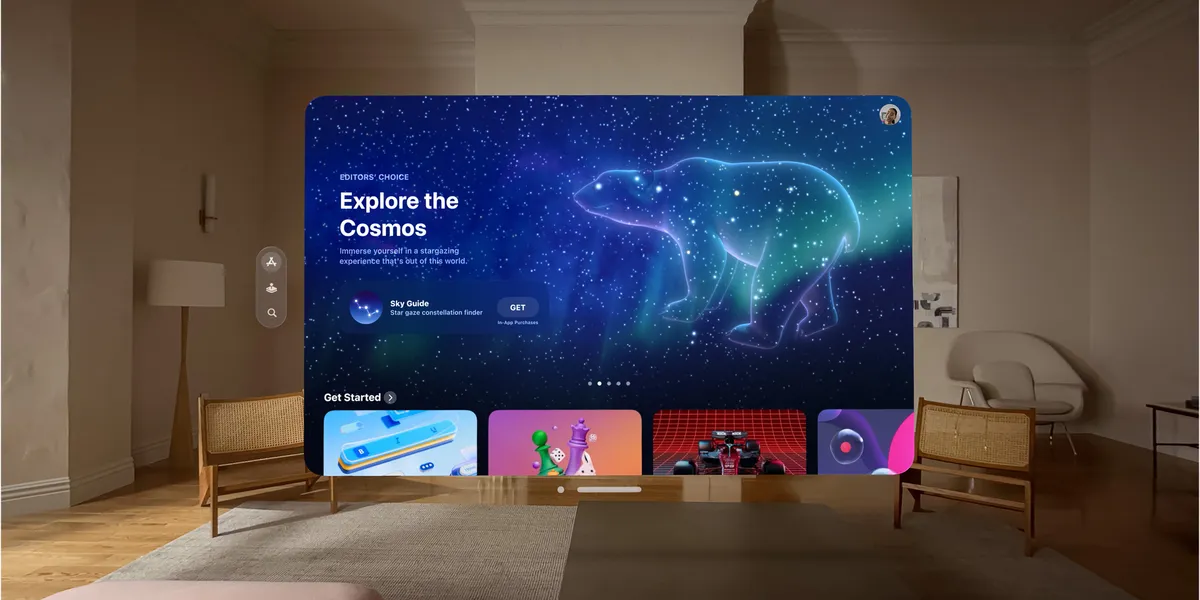
Apple released Vision Pro in the United States on February 2, 2024. Its visionOS interface places app windows around the user in 3D. Apple said hundreds of thousands of iPhone and iPad apps would work on Vision Pro, but not every app does. Check whether the apps you need work on it before planning how your team will use it. See Apple’s launch announcement and developer guidance on compatible apps.
Steps to try
- 3D Presentation: Use one only if it fits your product or service.
- App Compatibility: Test each business app on Vision Pro before planning a workflow.
watchOS 10 as a business assistant
Apple released watchOS 10 on September 18, 2023. It added numbers that track bike rides and tools to support mental health. One feature, State of Mind, lets users record their mood. Bike ride data does not plan delivery routes. For details, see Apple’s release notes and our guide to watchOS 10 for business.
Steps to try
- Cycling Metrics: Review data from a supported ride. Use a separate route planner for deliveries.
- Health Features: Make wellness programs optional. Keep each person’s health information private.
Our Recommended Accessory: UtechSmart 7 in 2 MacBook Pro/Air Accessories Multiport Adapter


The adapter adds ports to MacBook laptops. It has a Thunderbolt 3 port, three USB 3.0 data ports, an HDMI port, and SD and MicroSD card readers. Users give it high ratings.
Users praise its build quality and ease of use. Reviews also praise its compatibility with several MacBook models. One user called it a “game-changer” for their MacBook Pro. Another liked its compact size and portability for travel.
The adapter has a slim, portable design. UtechSmart designed it for 16-inch MacBook Pro models and other MacBook models. The Thunderbolt 3 port transfers data at up to 40Gbps. It supports 5K displays and charging at up to 100W. The USB 3.0 ports transfer data at up to 5Gbps. Use them to move photos, videos, music, and other files.
The HDMI port supports 4K at 30Hz. Use it to connect your MacBook to an external display. The SD and MicroSD card readers transfer files between your MacBook and memory cards.
Conclusion
This page recaps Apple’s 2023 software releases and the 2024 Vision Pro launch. See the platform guides above for details. For more on Apple’s tools for founders, read our Apple for entrepreneurs guide.
Further Reading Resources
These links point to Apple pages, news, and PDFs for each OS named in this post:
iOS 17 and iPadOS 17
- Apple’s Official iOS 17 Page
- iOS 17 Release Date Announcement
- iOS 17 YouTube Video
- Apple’s Official iPadOS 17 Preview
- All New Features in iOS 17 (PDF)
- All New Features in iPadOS 17 (PDF)
- iOS 17 on MacRumors
- iPadOS 17 on MacRumors
macOS Sonoma
- Apple’s Official macOS Sonoma Preview
- macOS Sonoma Release Date
- All New Features in macOS Sonoma (PDF)
- macOS Sonoma on MacRumors
visionOS
- Apple’s Developer Page for visionOS
- visionOS Release Date and News
- Introducing Apple Vision Pro
- visionOS on MacRumors