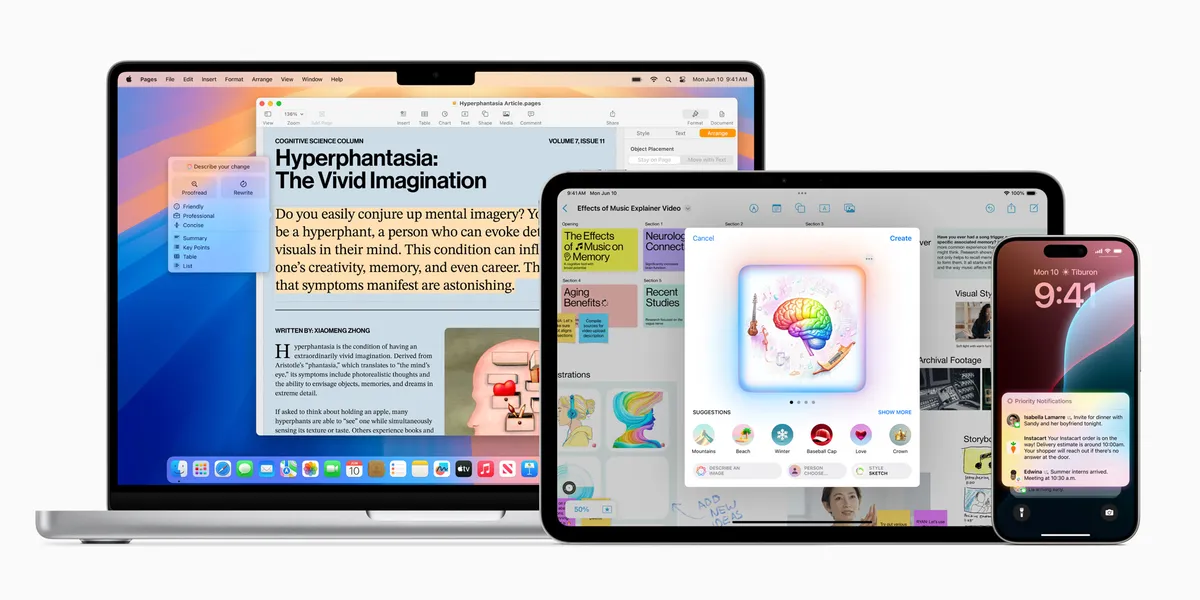
Apple devices can handle many daily business tasks, but the right setup depends on your work. Choose a Mac, iPhone, or iPad based on the tasks you do and the tools you need.
This hub brings ACHIEVE’s Apple guides together. Choose a device, software update, WWDC topic, or font workflow to explore.
Summary
This hub links ACHIEVE guides on Apple devices, software, WWDC, and Apple Intelligence. Compare the device guides, then explore software and font tips. The guides cover iPhone, iPad, Mac, Apple Watch, and Vision Pro.
Key takeaways
- A connected Apple setup can cover several daily tasks, depending on how you work.
- Hardware choice shapes your daily workflow, so pick the device that fits how you work.
- Software updates can change what existing devices can do for your business.
- Check Apple’s current announcements before planning around a new software feature.
- Your iPhone and iPad double as a creative studio for brand assets.
Devices and Launches
Start with the hardware decisions that shape your daily workflow.
- Apple raises the bar: iPhone 15, Apple Watch Series 9, AirPods Pro 2
- Apple Vision Pro turns one: what entrepreneurs need to know
- Apple’s next big thing: home robots
Operating Systems for Business
This section links to operating-system and event guides for Apple devices.
The posts on 2023 releases and WWDC24 are historical guides. For current support and features, check Apple’s documentation.
- Overview: Apple’s 2023 operating systems
- iPhone: iOS 17 compatibility guide and iOS 17 features for entrepreneurs
- iPad: iPadOS 17 compatibility guide and iPadOS 17 features for entrepreneurs
- Apple TV: tvOS 17 and Apple TV accessories
- Apple Watch: watchOS 10 compatibility and watchOS 10 business features
WWDC and Apple Intelligence
These WWDC and Apple Intelligence links cover 2024 announcements. Check Apple’s current announcements for later changes.
- WWDC24: a glimpse into the future of tech
- WWDC24: Apple’s biggest event yet?
- Last-minute WWDC24 leaks
- Everything Apple announced at WWDC24
- Apple Intelligence: revolutionizing AI for entrepreneurs
Strategy and Market Moves
- Apple’s $500 billion U.S. investment and the opportunities it creates
- Elon Musk’s ultimatum: Apple devices face a ban at Tesla and SpaceX
Get More From Your iPhone and iPad
Use your iPhone and iPad to make brand assets. Start with these font guides:
Explore related hubs: